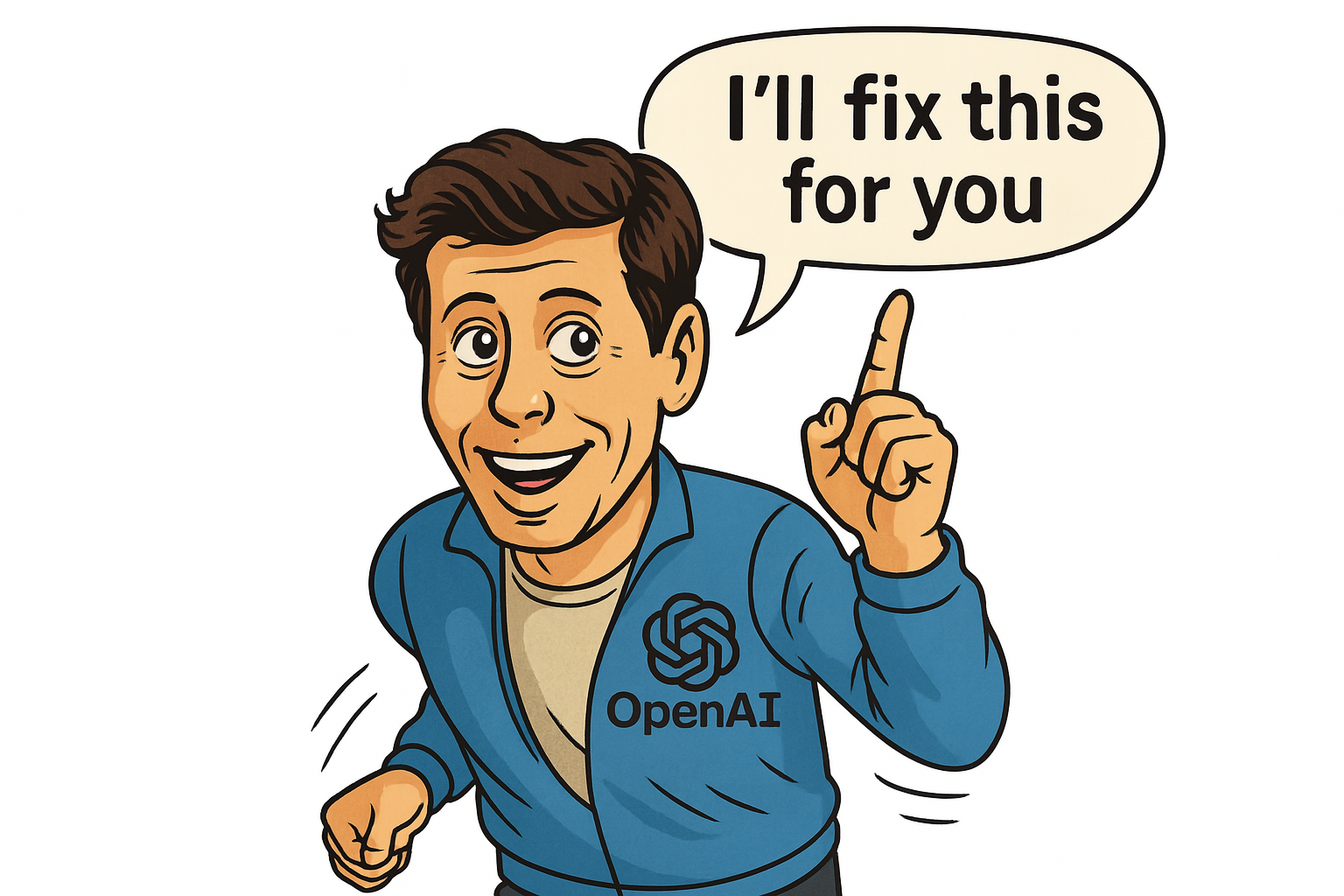
While most people are still figuring out how to prompt ChatGPT properly, OpenAI just made that entire process optional.
The new ChatGPT Agent doesn’t just respond, it acts. It plans, decides, uses tools, and works through multi-step tasks, all on its own. Instead of just helping you write an email, it could draft it, attach a file, summarize a PDF, and browse for updates — without you needing to spell out every step.
It’s a quiet but radical shift: ChatGPT is no longer just a chatbot. It’s becoming an assistant.
And that changes everything.
Meet ChatGPT Agent: OpenAI’s Boldest Update Yet
This isn’t just a feature update, it’s a fundamental shift in how AI works with us.
Before, ChatGPT was like a supercharged search engine that could write. Now, it’s more like a digital coworker who can actually get things done. It understands tasks. It takes initiative. It uses tools when needed, and it does it all with very little hand-holding.
Once you experience that change, going back to the old way feels clunky.
What It Can Actually Do (And What It Can’t... Yet)
ChatGPT Agent introduces a new level of autonomy.
Here’s what it can do:
- Use tools automatically like browsing, file handling, DALL·E, and the code interpreter.
- Handle multi-step tasks, such as “analyze this PDF and turn it into a blog post.”
- Fetch live info from the web, not just rely on training data.
- Understand goals, not just keywords or phrasing.
- It doesn’t have access to your email or calendar (yet).
- It runs code in its own environment, not on your local machine.
- It asks before taking major steps, a feature, not a flaw.
You don’t need to micromanage. You can give it a task like:
“Plan a weekend trip under \$500.”
It will break that down into flights, hotels, activities, and even summarize reviews if needed.
That said, it still has boundaries:
These limits are intentional. They’re part of building trust and safety as the tech evolves.
Who Gets Access - And What It’ll Cost You
- ChatGPT Plus (\$20/month)
- ChatGPT Team (\$25/user/month)
- Enterprise (custom pricing)
If you’re already using GPT-4o, the new capabilities will roll out automatically, no extra setup needed.
Right now, ChatGPT Agent is only available to paying users.
The free plan (GPT-3.5) doesn’t get Agent.
And yes, for many people, the $20/month for Plus is already paying for itself in saved time and increased output.
How to Use ChatGPT Agent in Real Life
You don’t need to activate anything. If you’re a paid user with GPT-4o, Agent features just start showing up.
Here’s how to try it out:
Step 1: Use task-based prompts
Instead of asking “What’s a good itinerary for Berlin?”, try:
“Plan me a 3-day Berlin trip under \$500, including travel and activities.”
PDFs, spreadsheets, links, Agent can analyze them, pull key data, and act on it.
You’ll see messages like “Using Python” or “Using Browser.” That’s the Agent choosing the right tool automatically.
You stay in control. Ask it to revise tone, redo a step, or explain its reasoning. You’re the boss, it just makes execution smoother.
Step 2: Upload files or links
Step 3: Let it run
Step 4: Refine or redirect
It’s less like chatting with a bot, more like onboarding a surprisingly competent assistant.
What It Might Replace: Tools, Workflows, and Routines
This update goes beyond convenience, it’s quietly replacing chunks of your daily workflow.
Expect to use it instead of:
-
- Google Search + Reading → Agent now researches and summarizes for you.
- Notion AI or Copy.ai → Agent writes, outlines, edits, all in one.
- PDF readers → It highlights key points, extracts data, and explains documents.
- Basic spreadsheets → Need a calculation? It handles it via Python.
- Social tools → Agent drafts posts, writes captions, and even creates images.
- Light automations → It can now reason through multi-step tasks without setup.
It’s not perfect. It won’t replace tools like Zapier for serious automation or Google Sheets for complex dashboards, but for daily use, it’s already saving serious time.
The Bigger Picture: Where This Is Heading
ChatGPT Agent isn’t the end. It’s the opening move in a much bigger game.
This is the bridge between “AI that chats” and “AI that works.” A test run for true digital agents, the kind that will manage workflows, optimize schedules, and maybe even negotiate on your behalf in the not-too-distant future.
The message is clear:
If you’re not experimenting with this now, you’ll be playing catch-up later.
We're Working on a Full Guide to Help You Get the Most from It
This rollout deserves more than a blog post, and we’re already working on the next step.
Coming soon:
-
- A free PDF guide with real use cases
- A video walkthrough for first-time Agent users
- A YouTube series showing what it can (and can’t) do, in real time
If you want to stay ahead of the curve and actually use this new wave of AI, make sure you’re subscribed to the blog or following on social.